







cleverQ module
Online video consultation
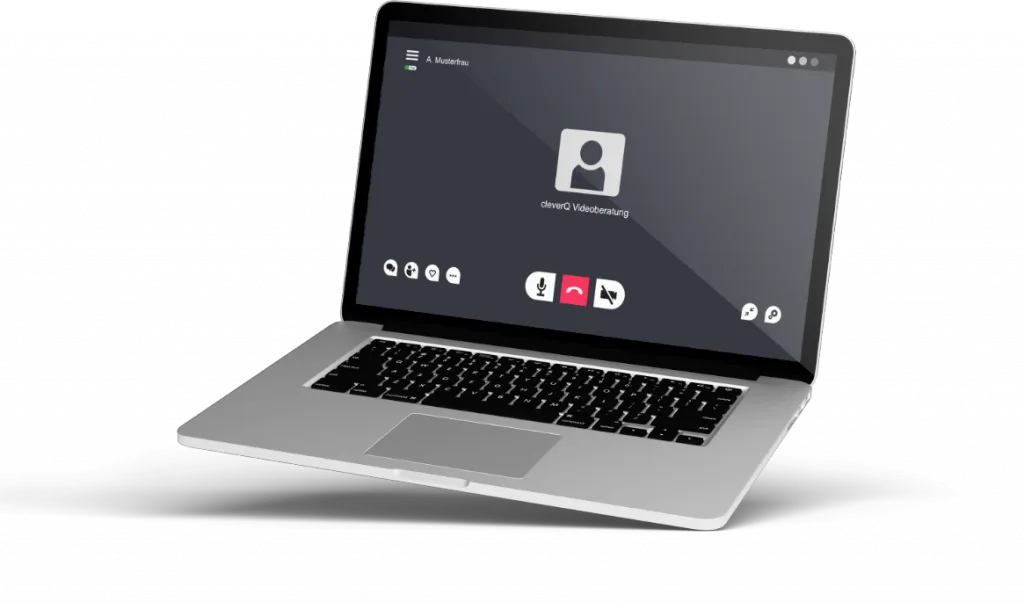
What is the cleverQ video consulting module?
How does the video consultation module work?
You decide which platform you want to use for video consulting; Microsoft Teams, Zoom, Flexperto and BigBlueButton (or all of them together).
After booking an appointment in the app or web browser, customers receive an email with all the important information about the appointment and a link to the digital meeting room of the respective provider, which they can enter at the time of the appointment.
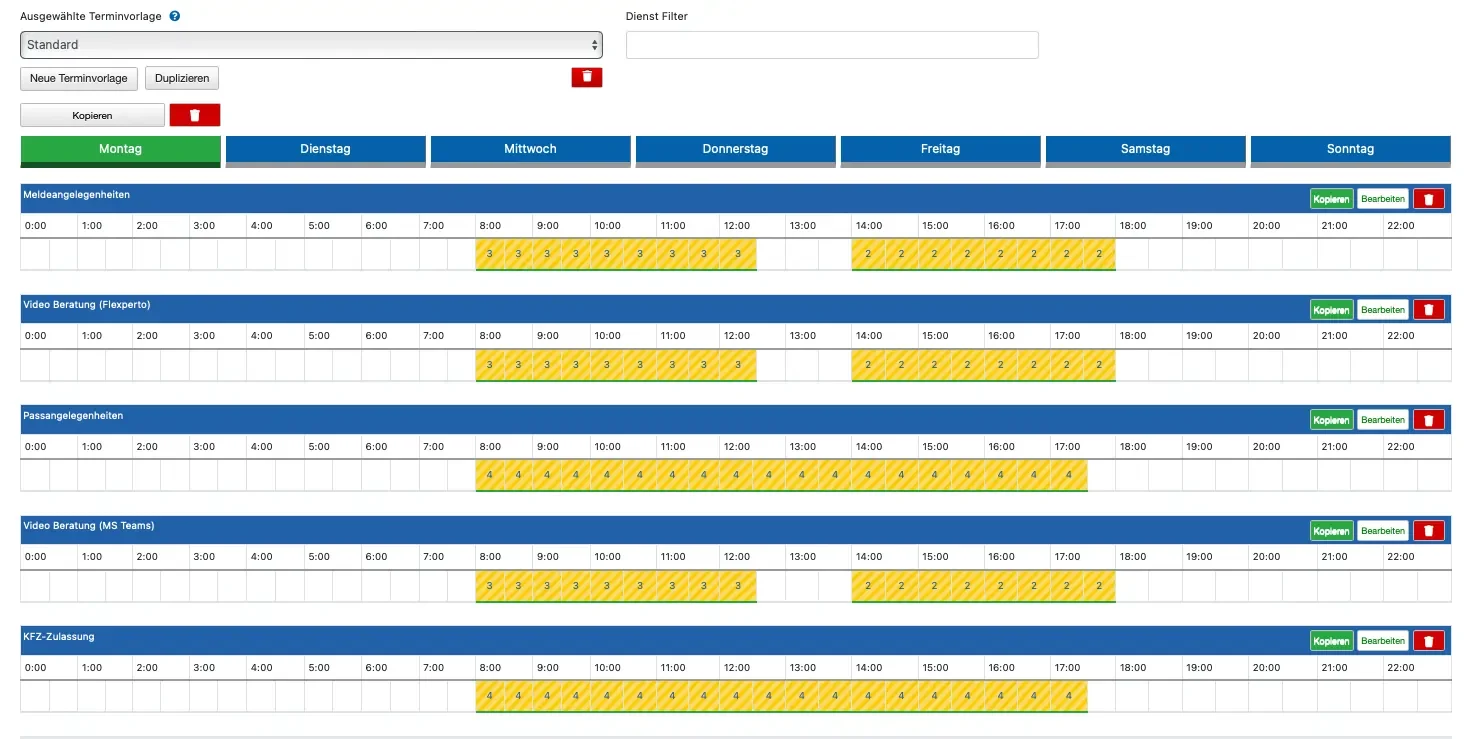
In the cleverQ backend, you can manage all appointments and enter appointments yourself if they are requested by a customer, e.g. by telephone.
Procedure for customers/citizens
With an online video consultation, you save your customers the journey, search for a parking space and annoying corona tests
Book 1st appointment
2. appointment confirmation
After booking the appointment, the customer receives an email with information about the appointment and a link to the digital meeting room.
3. participation
By clicking on the link in the confirmation email, the customer can take part in the video consultation at the time of the appointment.
You are interested in the
cleverQ online video consultation
Who is a video consultation suitable for?
Video consulting is generally suitable for all companies that offer products or services that require explanation.
cleverQ online video consultation
made with by cleverQ